

Zoho Inventory: Stop Overselling and Take Control of Stock
Zoho Inventory tracks your stock, orders, and warehouses in one place — and keeps every sales channel in sync.
Last Updated: June 16, 2026
Zoho Inventory is cloud software for stock and order management. In short, it tracks what you have, where it sits, and what you sell. So your stock counts stay right across every channel. Plus, there is a free plan to start.
This matters most if you sell on more than one place. After all, manual stock updates are slow and easy to get wrong. But Zoho Inventory syncs orders and stock for you. In this guide, you will see its features, the India pricing, and how to start.
Key Takeaways
- One place for stock and orders. It tracks items, sales, and purchases together.
- Multi-channel sync. So stock stays right across Amazon, Shopify, and your store.
- Multi-warehouse control. It tracks stock across many locations from one screen.
- A real free plan. It covers 50 orders a month at no cost.
- Paid plans from ₹999/month. Higher plans add more orders, users, and warehouses.
Table of Contents
What Is Zoho Inventory?
Zoho Inventory is cloud-based stock and order management software. In short, it handles your items, sales orders, and purchases in one tool. For example, it tracks stock levels, fulfils orders, and updates counts in real time. So you always know what you have and where.
It is also part of the wider Zoho suite. So your sales, books, and stock can share data. For instance, an order can flow into Zoho Books as an invoice in seconds. As a result, you type things once, not twice.
For Indian SMEs, the multi-channel angle is the big win. After all, many sellers list on Amazon, a website, and a shop counter. But Zoho Inventory keeps one stock count behind all of them.
Features That Save You Time
Zoho Inventory was built around real stock work. So below are the features that cut the most daily effort. Plus, each one runs on your live order data.
Order Management
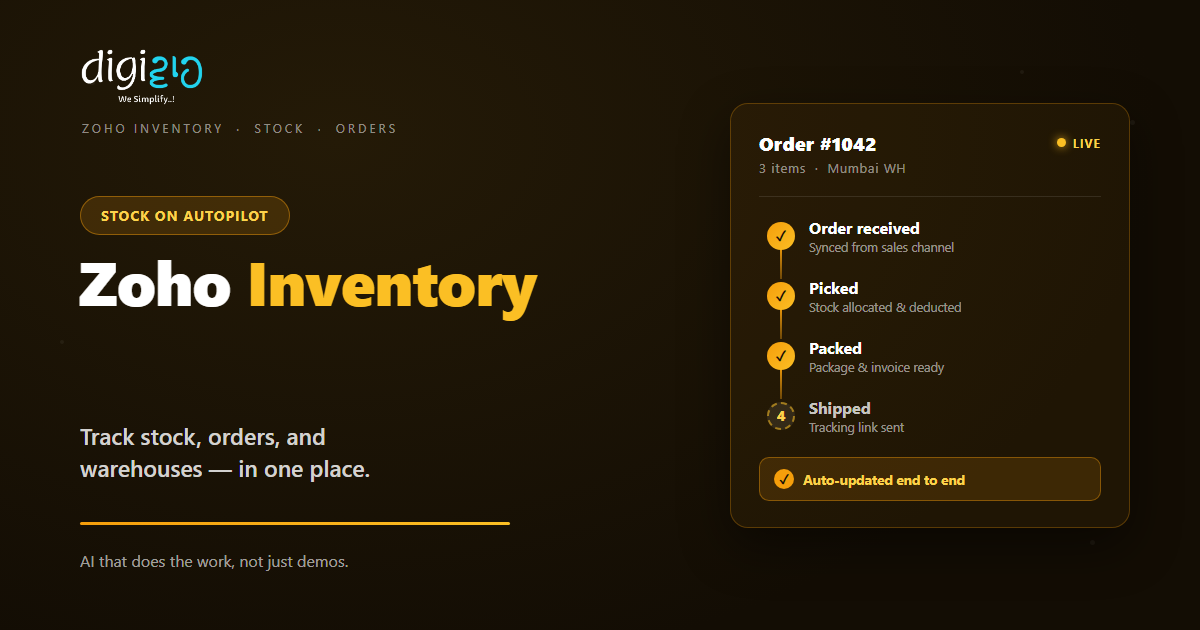
First, it handles sales orders, purchases, invoices, and bills. It also tracks payments. So one screen follows each order from quote to delivery.
Multi-Warehouse
Also, it tracks stock across many warehouses at once. You see counts per location and move items between them. So branch stock stays clear.
Multi-Channel Sync
Next, it syncs stock with Amazon, Shopify, and more. When one sale happens, every channel updates. So you avoid overselling.
Batch & Serial Tracking
Plus, it tracks items by batch or serial number. It also handles expiry dates. So recalls, warranties, and audits get much easier.
Barcode Scanning
Meanwhile, it works with barcode scanners. So picking and stock counts go faster. As a result, you make fewer manual errors.
Reports & Dashboards
Finally, it shows stock, sales, and reorder reports. So you spot slow movers and low stock early. For deeper views, it links to Zoho Analytics.
Multi-Channel Selling and Shipping
Most growing sellers use more than one channel. But each channel has its own stock view. So mismatches creep in fast. Zoho Inventory fixes this with one shared stock count.
Marketplaces and Online Stores
So here is how it works. Zoho Inventory connects to Amazon, Etsy, Shopify, and WooCommerce. When an order lands on any of them, stock drops everywhere at once. As a result, you do not oversell a product you no longer have.
Shipping Without Re-Typing
The same ease applies to delivery. It links with Shiprocket, Delhivery, Blue Dart, FedEx, and Ecom Express. So you buy labels and get tracking from inside an order. Plus, the tracking link goes to your customer on its own.
Zoho Inventory Pricing in India
Zoho Inventory has one free plan and four paid plans. So you start small and grow as you go. Plus, the prices below are for annual billing. Note that all prices exclude 18% GST.
| Plan | Price (per month) | Orders / month | Warehouses |
|---|---|---|---|
| Free | ₹0 | 50 | 2 |
| Standard | ₹999 | 500 | 2 |
| Professional | ₹1,999 | 3,000 | 4 |
| Premium | ₹2,999 | 7,500 | 6 |
| Enterprise | ₹7,499 | 15,000 | 10 |
So most small sellers start on Free or Standard. After all, the free plan already syncs channels and stock. But as orders grow, you move up for more volume and locations. Also, prices can change, so confirm the latest on Zoho’s pricing page.
Free vs Paid: What You Get
The free plan is genuinely useful. But it has limits. So the table below shows the key gaps.
| Feature | Free plan | Paid plans |
|---|---|---|
| Orders per month | 50 | 500 to 15,000 |
| Warehouses | 2 | Up to 10 |
| Channel & stock sync | Yes | Yes |
| Composite items & dropshipping | Yes | Yes |
| Advanced multi-channel volume | Limited | Yes |
So the rule is simple. If you ship a few orders a day, the free plan may fit. But once orders climb, move to Standard or above.
Is Zoho Inventory Right for You?
Zoho Inventory fits most product businesses. But not every case. So here is a quick, honest check.
It fits well when…
- You sell on more than one channel. So stock sync saves you from overselling.
- You hold stock in more than one place. As a result, multi-warehouse tracking helps daily.
- You already use other Zoho apps. So your orders and books join up with no extra work.
Think twice when…
- You only sell services, not goods. Then you may just need Zoho Books.
- You need deep factory or batch manufacturing. In that case, scope those needs before you buy.
How to Get Started with Zoho Inventory
You do not need to set up everything at once. Instead, move in clear steps. So here is a simple path for an Indian SME.
-
1Sign up and add your items
First, create your organisation and import your products. A simple spreadsheet upload does the job. -
2Set up your warehouses
Next, add each location and its opening stock. So counts start accurate from day one. -
3Connect your sales channels
Then link Amazon, Shopify, or your store. So orders and stock sync on their own. -
4Add shipping and Zoho Books
Now link a courier and your accounts. So labels, tracking, and invoices run from one place. -
5Process your first order
Finally, pick, pack, and ship a live order. A Zoho partner can set this up with you.
Start free this month and sync one channel. You will see the errors drop before you ever pay.
Zoho Inventory in Action: A Quick Example
Numbers are useful. But a real story lands better. So here is how one seller switched.
A homeware brand sold on Amazon, its own website, and a shop. Each channel kept its own stock sheet. So during a sale, it oversold a popular lamp and had to cancel orders. Then it moved to Zoho Inventory. Now one stock count sits behind every channel. Meanwhile, each sale updates all channels at once, and low stock triggers a reorder alert. As a result, oversells stopped and refunds dropped sharply.
In short, Zoho Inventory did not just track stock. Instead, it removed the panic of selling in many places. So the owner could push sales without fear.
Frequently Asked Questions
What is Zoho Inventory?
Zoho Inventory is cloud software for stock and order management. In short, it tracks items, sales orders, and purchases in one place. So you always know your stock and can fulfil orders fast.
Is Zoho Inventory free in India?
Yes, there is a real free plan. It covers 50 orders a month, one user, and two locations. But for more orders, users, and warehouses, you need a paid plan.
How much does Zoho Inventory cost in India?
Paid plans start at ₹999 per month for Standard. After that come Professional at ₹1,999, Premium at ₹2,999, and Enterprise at ₹7,499. Also, these are annual prices and exclude 18% GST.
Which sales channels does Zoho Inventory support?
It connects with Amazon, Etsy, Shopify, and WooCommerce. So stock and orders sync across them automatically. As a result, you avoid overselling the same item.
Does Zoho Inventory handle shipping?
Yes. It links with couriers like Shiprocket, Delhivery, Blue Dart, FedEx, and Ecom Express. So you buy labels and share tracking from inside each order, with no re-typing.
Does Zoho Inventory work with Zoho Books and CRM?
Yes. It connects with Zoho Books, Zoho CRM, and the wider suite. So an order can become an invoice in seconds, and your sales and stock share the same data.
Conclusion
In the end, Zoho Inventory turns messy stock into one clear count. So if you sell goods, it is worth a close look. After all, you get synced channels, multi-warehouse control, and easy shipping. Plus, you can start for free.
First, sign up and import your items. Then connect a channel and a courier. Next, let the software keep your stock in sync. That way, you replace stock sheets with a system that never oversells.
Think about your last stockout or oversell. How much could Zoho Inventory have saved you?
Want Zoho Inventory set up for your stock — channels, warehouses, and shipping done right? Talk to a Zoho Authorized Partner.
