

WhatsApp Business API: What a Personal Number Cannot Do
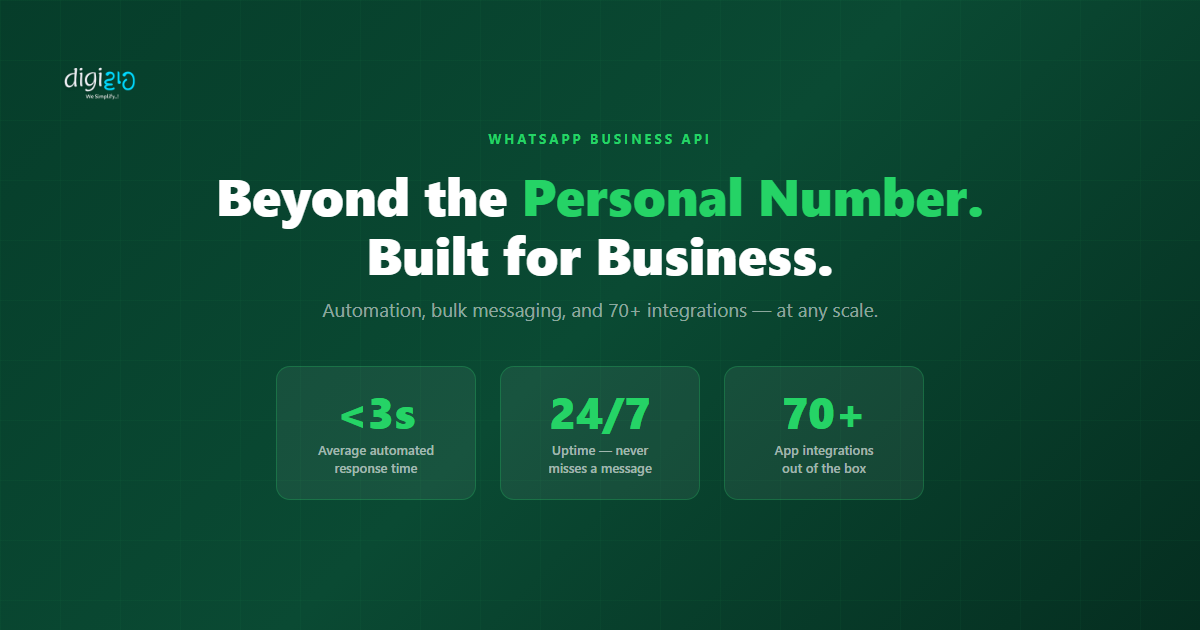
Your competitors are responding in under 3 seconds. Here is how.
Last Updated: June 3, 2026
WhatsApp Business API is a cloud-based messaging platform — also known as the WhatsApp Business Platform (WABA) — that lets businesses automate replies, broadcast to thousands, and connect WhatsApp to their CRM: capabilities a personal number or the free Business App cannot provide. Below is exactly what it unlocks and how to set it up in 3 to 7 days.
Your team handles each WhatsApp inquiry one by one, on a personal number or the free Business App. Meanwhile, your competitors are already on WhatsApp Business API. They respond in seconds. Their messages reach thousands at once. Every lead routes straight into their CRM. The gap is not about effort. It is about the platform.
In practice, a personal WhatsApp number was never built for business at scale. WhatsApp Business API gives you automation, bulk messaging, and 70+ integrations. Notably, the regular app cannot match any of these. This post explains the difference and shows you what the API makes possible.
Table of Contents
Personal Number, Business App, or API — What Is the Difference?
In fact, there are three versions of WhatsApp available to businesses today. Most Indian SMEs start with one of the first two — and stay there far longer than they should.
| Feature | Personal / Business App | WhatsApp Business API |
|---|---|---|
| Automated responses | Away message only | Full AI chatbot, 24/7 |
| Bulk messaging | Not available | Thousands, with delivery tracking |
| Multiple agents on one number | Single device only | Unlimited agents |
| CRM integration | Not available | Zoho CRM, Shopify, 70+ apps |
| Cart recovery automation | Not available | Automatic, 1-hour trigger |
| Delivery and read receipts at scale | Basic only | Full analytics dashboard |
| WhatsApp Catalog / Shop | Basic catalog | Advanced shop with order flow |
Specifically, the Business App is a free tool built for very small operations. First, it handles basic greetings and a simple catalog. However, once you need automation, multiple agents, or integrations, the App reaches its limit fast. That is where the API takes over.
What WhatsApp Business API Makes Possible
A potential customer messages your WhatsApp at 11pm asking about pricing. Your team is offline. The message sits unread until Monday morning. By then, the customer has already spoken to two competitors and chosen one.
With the API, the same message gets a response in under 3 seconds. The AI qualifies the lead, answers the pricing question, and books a demo — all before midnight. Your team wakes up on Saturday to a confirmed appointment.
Four Things the API Does That the App Cannot
24/7 AI-Powered Responses
An AI chatbot reads every incoming message and responds automatically. It qualifies leads, answers FAQs, books appointments, and escalates to a human when needed. Consequently, your business never misses an inquiry — day or night.
Bulk Messaging to Thousands
The API sends broadcast messages to thousands of customers at once. Each message lands as a personal chat, not a group. Moreover, you get full delivery and read receipt tracking for every message sent.
WhatsApp Shop + Cart Recovery
Customers browse your catalog, add to cart, and order — all inside WhatsApp. Additionally, when a cart is abandoned, the API sends a recovery message one hour later. It includes the product photo and a direct checkout link.
70+ App Integrations
It connects directly to Zoho CRM, Shopify, WooCommerce, ChatGPT, and 70+ other apps. As a result, every WhatsApp inquiry becomes a CRM lead automatically. No manual data entry needed from your team.
Indeed, each of these capabilities requires the API. However, none of them work on a personal number or the free Business App. If your business uses WhatsApp to find or serve customers, the API is the only option that grows with you.
How to Get Started with WhatsApp Business API
Fortunately, you do not need a developer to get started. A WhatsApp Business Solution Provider (BSP) handles the technical setup for you. In fact, the process typically takes 3 to 7 days from start to live.
-
1Choose a Business Solution Provider (BSP)A BSP is an approved partner that connects your business to the WhatsApp Business API. Digiwah works with leading BSPs to handle onboarding, compliance, and integration setup on your behalf.
-
2Submit Your Business Details for Meta VerificationNext, Meta verifies your business name, website, and Facebook Business Manager account. This is a one-time approval process. Most Indian SMEs complete it within 2 to 5 business days.
-
3Link Your Phone NumberYour business gets a dedicated WhatsApp number linked to the API. Importantly, this number is exclusive to the API. It cannot run on the regular WhatsApp app at the same time.
Set Up Your Messaging and Integrations
-
4Create Approved Message TemplatesOutbound messages (sent to customers first) need Meta-approved templates. Templates include order updates, payment reminders, appointment confirmations, and promotional campaigns. Your BSP submits these for approval.
-
5Connect Your Integrations In this step, connect your CRM, e-commerce platform, and other tools. For example, linking Zoho CRM means every WhatsApp inquiry auto-creates a CRM lead. Linking Shopify means cart abandonment triggers an automatic recovery message.
-
6Test and Go LiveFinally, run test conversations to confirm automations work correctly. Once everything checks out, go live. From that point, every customer message gets an instant response — automatically, around the clock.
Setup time: 3 to 7 days. Result: 24/7 automated WhatsApp — permanently.
Before vs After: WhatsApp Business API
| Before WhatsApp Business API | After WhatsApp Business API |
|---|---|
| Team manually responds to every WhatsApp message — hours of delay | AI responds in under 3 seconds, 24/7 — zero delay, zero manual effort |
| Leads from WhatsApp manually copied into CRM — data lost or delayed | Every WhatsApp inquiry auto-creates a CRM lead — no manual entry |
| No way to message thousands of customers at once from WhatsApp | Broadcast campaigns sent to thousands — each lands as a personal chat |
| Abandoned carts go unrecovered — no follow-up system | Cart recovery message sent automatically 1 hour after abandonment |
| Only one person can use the WhatsApp number at a time | Full team handles conversations from a shared inbox — same number |
| No visibility into message delivery, read rates, or response times | Full analytics dashboard — delivery, read, and response data in one place |
For the official guide on getting your business approved on the API, see Meta’s WhatsApp Business Platform documentation.
Additionally, see how the platform connects with Zoho CRM on our WhatsApp API service page. For the full AI automation picture, read the WhatsApp Agentic AI post, or browse real results in our case studies.
Frequently Asked Questions
What is WhatsApp Business API?
WhatsApp Business API is a platform that connects your business directly to WhatsApp. Unlike the free Business App, the API supports automation, bulk messaging, and multiple agents. It also connects with your CRM and other tools.
In practice, it turns WhatsApp into a fully automated tool. It responds to messages, qualifies leads, and updates your CRM — without any manual effort from your team.
What is the difference between WhatsApp Business App and WhatsApp Business API?
The Business App is free and built for very small businesses. It supports basic auto-replies, a product catalog, and a single device. The API, however, is built for scale. It supports unlimited agents, bulk messaging, full automation, and integration with your existing tools.
Is WhatsApp Business API free?
The API itself is not free. Meta charges per conversation based on message type — marketing, utility, service, or support. Additionally, your BSP charges a platform and setup fee. That said, most Indian SMEs recover the cost quickly. Faster responses and less manual work make up the difference.
Can I use my existing WhatsApp number for the API?
Yes, but with one condition. Your existing number must fully leave the regular WhatsApp or Business App first. Specifically, you cannot run both on the same number at the same time.
How long does Meta approval take?
Meta verification typically takes 2 to 5 business days for most Indian businesses. Overall, the full setup — from choosing a BSP to going live — takes 3 to 7 days. Your BSP handles the submission and approval process on your behalf.
Conclusion
Above all, WhatsApp Business API is not an upgrade to the Business App. It is a completely different tool. Unlike the Business App, it is built for speed, scale, and a clear result from every customer conversation.
Your competitors on the API are responding in under 3 seconds. Moreover, they are recovering abandoned carts automatically. They are also logging every WhatsApp conversation directly into their CRM. None of that happens on a personal number.
What is your current response time on WhatsApp?
Ready to move your business to WhatsApp Business API — and automate your customer conversations from day one?
📅 Schedule a Free Consultation