

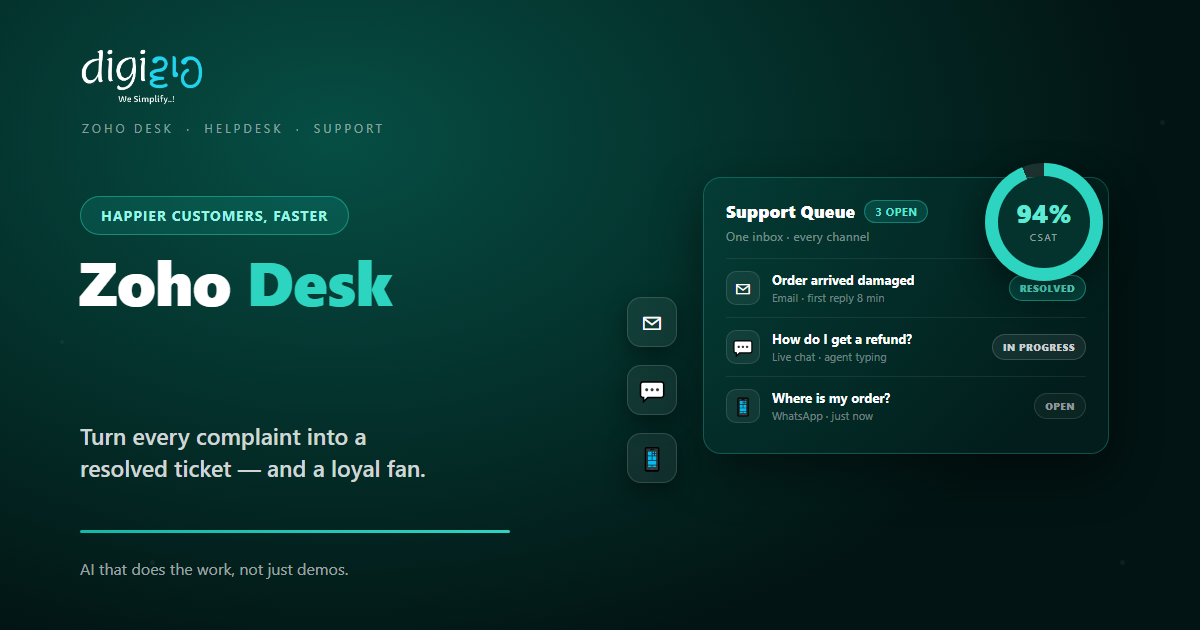
Zoho Desk: Turn Customer Complaints Into Loyal Fans
Zoho Desk brings every support request into one inbox — so your team replies faster and keeps customers happy.
Last Updated: June 20, 2026
Zoho Desk is help desk software. In short, it collects every customer question in one place. So your team can track, reply, and close each one with ease. Plus, nothing slips through the cracks.
This matters because support is where trust is won or lost. After all, a slow reply pushes buyers away. But a quick, clear fix turns a complaint into loyalty. In this guide, you will see how Zoho Desk works, what it does, and how to start.
Key Takeaways
- One inbox for every channel. Email, chat, phone, and social all land in one place.
- Tickets keep work organised. So no request is lost or forgotten.
- Automation speeds up replies. SLAs and rules route each ticket on their own.
- Zia AI helps your agents. It tags tickets and drafts quick answers.
- It starts free. So small teams can test it before they pay.
Table of Contents
What Is Zoho Desk?
Zoho Desk is a customer support platform. In short, it turns every query into a ticket. So your team can see, sort, and solve each one in order. For example, an email, a chat, and a call all become tickets in the same view.
It is also part of the wider Zoho suite. So your support shares data with your other tools. For instance, it links with Zoho CRM and feeds reports into Zoho Analytics. As a result, sales and support see the same customer.
For Indian SMEs, the value is order. After all, support often lives in one shared inbox. But that breaks down as you grow. So Zoho Desk gives you structure, without a big team.
Why Good Support Wins Customers
Many firms chase new buyers and forget the old ones. But support is what keeps people coming back. So a strong help desk pays for itself fast.
First, fast replies build trust. A customer who feels heard stays loyal. Second, clear records stop repeat questions. So your team never asks the same thing twice. Plus, happy customers tell others, which brings free referrals.
Features That Save Your Team Time
Zoho Desk was built to make support simple. So below are the features that cut the most effort. Plus, each one works inside the same platform.
Omnichannel Inbox
First, email, chat, phone, and social all land in one place. So your team works from a single, tidy queue. As a result, nothing gets missed.
Ticket Management
Next, every query becomes a trackable ticket. You can assign, tag, and set priority with ease. So each issue has a clear owner.
Workflows & SLAs
Also, you set rules and deadlines once. Tickets then route and escalate on their own. So urgent issues never sit and wait.
Zia AI Assistant
Meanwhile, Zia AI tags tickets and drafts replies. An answer bot also handles common questions. So agents focus on the hard ones.
Self-Service Help Center
Plus, you publish a knowledge base and FAQ. Customers then find answers on their own. So your ticket load drops over time.
Reports & Dashboards
Finally, you track response time, volume, and happiness. Clear dashboards show where to improve. So support keeps getting better.
A Quick Note on Omnichannel Support
People often hear the word “omnichannel” and tune out. But the idea is simple. So here is a plain, one-line take.
Omnichannel means every channel feeds one inbox. So a customer can email today and chat tomorrow. Yet your team sees the full history in one view. For example, a WhatsApp query and a phone call sit side by side.
This is where the real time savings live. Because agents stop jumping between apps, replies get faster. You can even fold in WhatsApp Business API as a channel. As a result, customers reach you their way, and you still stay organised.
Zoho Desk vs a Shared Email Inbox
Many SMEs still run support from one shared mailbox. But that breaks down fast. So the table below shows the main gaps.
| Factor | Shared email inbox | Zoho Desk |
|---|---|---|
| Ownership | Who is replying? | Clear ticket owner |
| Channels | Email only | Email, chat, phone, social |
| Deadlines | Easy to miss | SLAs and alerts |
| History | Buried in threads | Full ticket timeline |
| Reporting | None | Live dashboards |
So the takeaway is clear. For a handful of emails, a shared inbox is fine. But for real support, a proper help desk wins every time.
Is Zoho Desk Right for You?
Zoho Desk fits many businesses. But not every case. So here is a quick, honest check.
It fits well when…
- You get steady support queries. So you need a tidy queue, not a messy inbox.
- Customers reach you on many channels. As a result, you need them in one view.
- You already use other Zoho apps. So your data joins up with no extra work.
Think twice when…
- You get only a few queries a week. Then a shared inbox may be enough for now.
- You have no support process at all. In that case, map your basics first, then add the tool.
How to Set Up Zoho Desk
You do not need a big project to start. Instead, set up the basics first. So here is a clear path for an Indian SME.
-
1Connect your channels
First, add your support email, chat, and social. So every query starts landing in one place. -
2Set up departments and agents
Next, create teams and add your agents. Then route each ticket to the right group. -
3Build workflows and SLAs
Now set rules, priorities, and deadlines. So urgent tickets get noticed and escalate on time. -
4Create a knowledge base
Then write answers to common questions. So customers can help themselves any time. -
5Turn on reports and CSAT
Finally, track response time and happiness. A Zoho partner can help you tune it for your team.
Connect one channel this week. You will see the value the moment your first ticket lands.
Zoho Desk in Action: A Quick Example
Numbers are useful. But a real story lands better. So here is how one firm changed its support.
An appliance store handled support across a shared Gmail, WhatsApp, and phone. So replies slipped, and angry customers chased the same issue twice. Then they moved to Zoho Desk. Now every query becomes a ticket in one inbox. Meanwhile, SLAs flag anything that waits too long, and Zia drafts quick replies. As a result, response time dropped, and repeat complaints fell within weeks.
In short, Zoho Desk did not just tidy the inbox. Instead, it made every reply faster and trackable. So the owner finally knew nothing was slipping.
Frequently Asked Questions
What is Zoho Desk?
Zoho Desk is help desk software. In short, it turns every customer query into a ticket in one inbox. So your team can track, reply, and close each one with ease.
Is Zoho Desk free?
Yes, it has a free plan for up to three agents. So you can test simple email ticketing before you pay. For current limits and prices, check the official Zoho Desk page.
Does Zoho Desk work with Zoho CRM?
Yes. It links with Zoho CRM, so agents see customer and deal details inside a ticket. As a result, sales and support stay on the same page.
Can Zoho Desk handle WhatsApp and chat?
Yes. You can add channels like chat, social, and WhatsApp on the right plans. So every message lands in the same inbox as your email tickets.
What does Zia AI do in Zoho Desk?
Zia is the built-in AI assistant. It tags tickets, suggests replies, and powers an answer bot. So your agents save time on routine work.
Conclusion
In the end, Zoho Desk turns support from chaos into a system. So if customers reach you often, it is worth a look. After all, you get one inbox, automation, and clear reports. Plus, you can start free.
First, connect your channels and add your team. Then set workflows and a knowledge base. Next, track your results and improve. That way, every reply builds a little more loyalty.
Think about your last unhappy customer. Would a faster, clearer reply have kept them?
Want your support set up in Zoho Desk — channels, workflows, and AI tuned for your team? Talk to a Zoho Authorized Partner.
