

Zoho Campaigns: Send Emails People Actually Open
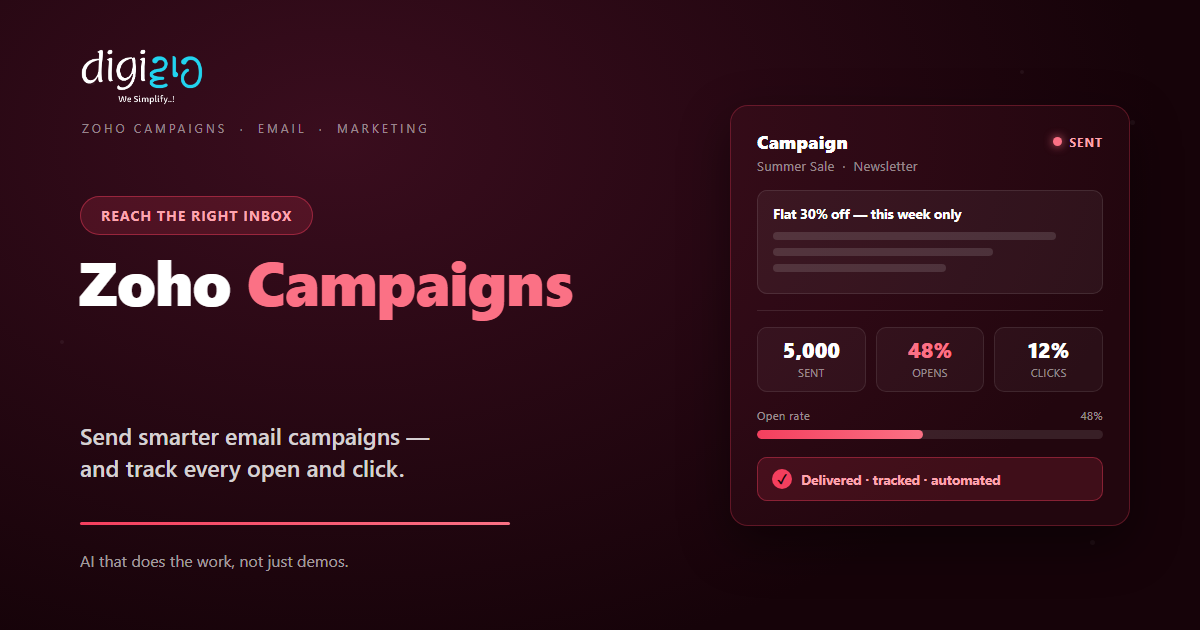
Zoho Campaigns helps you design, send, and automate email that reaches the right inbox — and proves it works.
Last Updated: June 17, 2026
Zoho Campaigns is an email marketing tool. In short, it helps you send bulk email that looks good and lands well. So you reach your whole list in minutes, not hours. Plus, you can see who opened, clicked, and bought.
This matters because random emails rarely work. After all, a plain blast from your inbox often hits spam. But Zoho Campaigns is built for clean, trackable sending. In this guide, you will see how it works, what it does, and how to start.
Key Takeaways
- Built for real email marketing. You design, send, and track campaigns from one place.
- Automation does the follow-up. So welcome emails and drip series run on their own.
- It syncs with Zoho CRM. Your contacts and lists stay in step, both ways.
- You see what works. Reports show opens, clicks, and bounces clearly.
- It starts free. So small teams can test it before they pay.
Table of Contents
- What Is Zoho Campaigns?
- Why Email Still Works for SMEs
- Features That Save You Time
- A Quick Note on Marketing Automation
- Zoho Campaigns vs Sending From Your Inbox
- Is Zoho Campaigns Right for You?
- How to Send Your First Campaign
- Zoho Campaigns in Action: A Quick Example
- Frequently Asked Questions
- Conclusion
What Is Zoho Campaigns?
Zoho Campaigns is an email and SMS marketing platform. In short, you build a campaign, pick a list, and hit send. For example, you can send a newsletter, an offer, or a product update. So your message reaches everyone at once, cleanly.
It is also part of the wider Zoho suite. So your marketing shares data with your other tools. For instance, it links with Zoho CRM and pushes results into Zoho Analytics. As a result, sales and marketing see the same picture.
For Indian SMEs, the value is control. After all, email is cheap and direct. But you only win when it is targeted and tracked. So Zoho Campaigns gives you both, without a big team.
Why Email Still Works for SMEs
Some people say email is dead. But the numbers say otherwise. So email stays one of the cheapest ways to reach buyers.
First, you own your email list. Unlike social media, no algorithm sits in the way. Second, email is personal and direct. So a good offer lands right in front of the reader. Plus, it pairs well with other channels, like WhatsApp marketing.
Features That Save You Time
Zoho Campaigns was built to make sending simple. So below are the features that cut the most effort. Plus, each one works inside the same platform.
Drag-and-Drop Editor
First, you design emails by dragging blocks into place. You start from ready templates, then tweak the look. So a polished email takes minutes.
Lists & Segments
Next, you sort contacts into clear lists. You can segment by activity, tags, or fields. So the right people get the right email.
Automation Journeys
Also, you set up welcome and drip series once. They then run on their own as people join. So follow-up never gets forgotten.
A/B Testing
Meanwhile, you can test subject lines and content. Zoho Campaigns sends the winner to the rest. So your open rates keep climbing.
Signup Forms
Plus, you grow your list with embedded forms. New sign-ups flow straight into the right list. So your audience builds itself.
Reports & Analytics
Finally, you track opens, clicks, and bounces. Clear charts show what worked and what flopped. So each campaign beats the last.
A Quick Note on Marketing Automation
People often mix up two terms here. But the difference is simple. So here is a clear, one-line take on each.
A campaign is a single send to a list. Automation is a series that runs on triggers. For example, a new sign-up gets a welcome email today, a tip in three days, and an offer next week. So the work happens once, then repeats for every new contact.
This is where the real time savings live. Because the system follows up while you sleep, no lead goes cold. As a result, a small team acts like a big one.
Zoho Campaigns vs Sending From Your Inbox
Many SMEs still send offers from a normal inbox. But that breaks down fast. So the table below shows the main gaps.
| Factor | Your normal inbox | Zoho Campaigns |
|---|---|---|
| Deliverability | Often flagged as spam | Built for the inbox |
| Design | Plain text | Branded templates |
| Tracking | None | Opens, clicks, bounces |
| Follow-up | Manual | Automated journeys |
| Unsubscribes | Handled by hand | Managed for you |
So the takeaway is clear. For one or two emails, an inbox is fine. But for real marketing, a proper tool wins every time.
Is Zoho Campaigns Right for You?
Zoho Campaigns fits many businesses. But not every case. So here is a quick, honest check.
It fits well when…
- You have a growing email list. So you need clean, bulk sending.
- You want to track results. As a result, you can prove what marketing earns.
- You already use other Zoho apps. So your data joins up with no extra work.
Think twice when…
- You only email a handful of people. Then a normal inbox may be enough.
- You have no list at all yet. In that case, start by collecting opt-ins first.
How to Send Your First Campaign
You do not need a big plan to start. Instead, send one simple campaign. So here is a clear path for an Indian SME.
-
1Import and clean your list
First, bring in your contacts and remove dead emails. So your sending stays healthy from day one. -
2Pick a template and write
Next, choose a template and add your message. Keep it short, clear, and on brand. -
3Segment your audience
Then send to the right group, not everyone. So your message feels relevant. -
4Test, then send
Now run an A/B test on the subject line. After that, send the winner to the rest. -
5Read the report and repeat
Finally, check opens and clicks. A Zoho partner can help you turn results into a plan.
Send one campaign this week. You will learn more from real opens than from any guess.
Zoho Campaigns in Action: A Quick Example
Numbers are useful. But a real story lands better. So here is how one firm changed its email.
A clothing boutique sent sale alerts from a personal Gmail. So most landed in spam, and nobody could track them. Then they moved to Zoho Campaigns. Now they send branded offers to clean, segmented lists. Meanwhile, a welcome series greets every new sign-up on its own. As a result, open rates rose, and repeat orders climbed within two months.
In short, Zoho Campaigns did not just make the email prettier. Instead, it made each send measurable. So the owner finally knew what worked.
Frequently Asked Questions
What is Zoho Campaigns?
Zoho Campaigns is an email and SMS marketing platform. In short, you design campaigns, send them to lists, and track results. So you can run real marketing without a big team.
Is Zoho Campaigns free?
Yes, it has a free plan to start. So you can test the tool on a small list before you pay. For current limits and prices, check the official Zoho Campaigns page.
Does Zoho Campaigns work with Zoho CRM?
Yes. It syncs contacts and lists with Zoho CRM, both ways. So your sales and marketing data stays in step, with no manual export.
Can I automate my emails?
Yes. You can build welcome and drip journeys that run on triggers. So new sign-ups get the right email at the right time, on their own.
Will my emails avoid the spam folder?
Zoho Campaigns is built for good deliverability. It handles opt-ins, unsubscribes, and sending rules for you. So your email has a far better shot at the inbox.
What can I track in Zoho Campaigns?
You can track opens, clicks, bounces, and unsubscribes. In short, you see how each campaign performed. So you can improve the next one with real data.
Conclusion
In the end, Zoho Campaigns turns email from a guess into a system. So if you market by email, it is worth a look. After all, you get clean sending, automation, and clear reports. Plus, you can start free.
First, clean your list and pick a template. Then segment your audience and send. Next, read the report and improve. That way, every campaign earns more than the last.
Think about your last email blast. Do you even know how many people opened it?
Want your email marketing set up in Zoho Campaigns — designed, automated, and tracked for your team? Talk to a Zoho Authorized Partner.
