

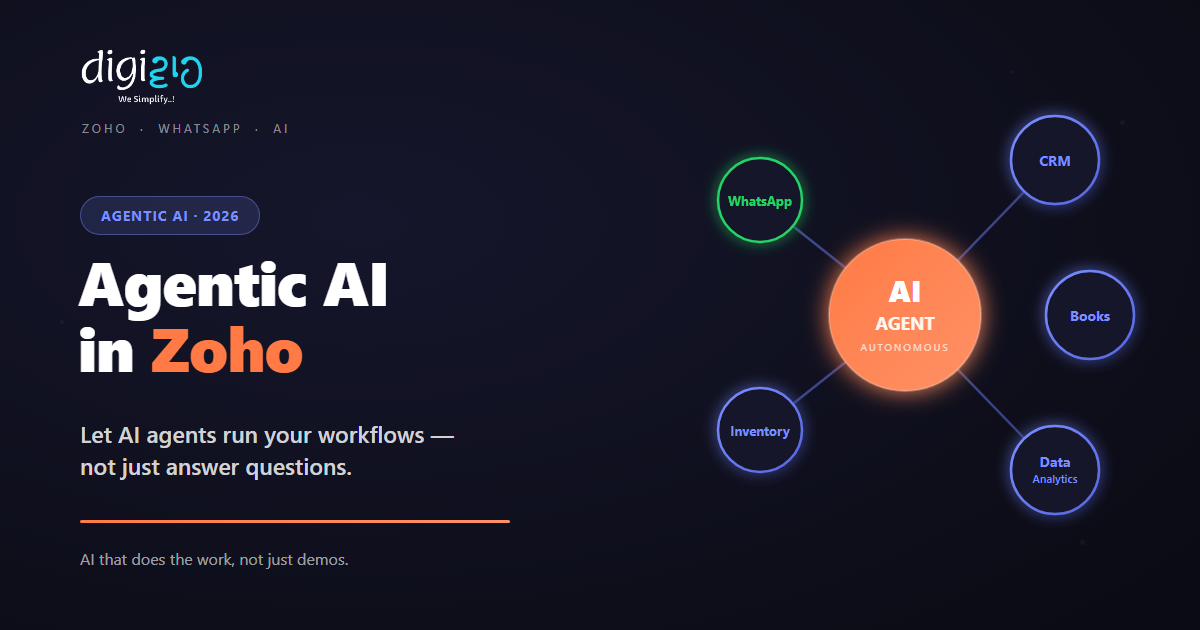
Agentic AI in Zoho: Let AI Agents Run Your Workflows
A chatbot drafts a reply and waits. An AI agent reads your Zoho data, decides, acts, and reports back — on its own.
Last Updated: June 11, 2026
Agentic AI is software that finishes a job for you. You give it a goal. For example: “qualify this lead” or “chase that overdue invoice.” Then the agent reads your live data, makes a choice, takes action, and reports back. A chatbot only suggests. An agent acts.
This matters most when you run on Zoho. Your CRM, Books, and Inventory already hold clean, linked data. So an agent has what it needs to work well. In this guide, you will see what Agentic AI is and how it beats a normal AI assistant. You will also see the Zoho workflows it runs best. Plus, you will learn how Indian SMEs launch their first agent in just 2–4 weeks.
Key Takeaways
- An agent acts, it does not just suggest. It reads your Zoho data, makes a choice, acts, and reports back.
- It sits on top of Zoho. There is no need to replace anything. It works through Zoho’s APIs and the Zia AI layer.
- Best first jobs: lead qualification, invoice follow-up, WhatsApp support, order checks, and daily reports.
- It is safe by design. You set the permissions, approvals, and logs. So the agent stays in control.
- It is fast to start. One agent can go live in just 2–4 weeks.
Table of Contents
The “AI That Only Suggests” Problem
Most AI tools today only make suggestions. For example, one drafts an email. Another sums up a thread. A third answers a quick question. But then it stops and waits for you. This is assistive AI. It helps, yet it does not run the work itself. So someone still has to read it, approve it, and act.
The Hidden Cost of Waiting for a Human
So what does this really cost you? Not your typing time. The true cost is the work that never gets done after hours. For example, a lead messages at 9 PM. An invoice slips past its due date. A customer asks for an order update on Sunday. In each case, a suggestion is useless. After all, no one is there to act on it.
A services firm in Pune runs ads day and night. At 9:40 PM on Tuesday, a strong lead asks for a price. But the team is offline. By 10 AM Wednesday, that lead has already messaged two rivals. One of them replied the night before. So the deal was lost to slow replies, not price. With an AI agent, the same message is read and answered in two minutes — at 9:40 PM. A follow-up task then waits for the rep by morning. Now nothing goes cold overnight.
In short, the winners are not the firms with the flashiest AI demo. Instead, they are the firms where routine work gets done. Better still, it happens fast and around the clock, with no one stuck as the hold-up.
What Is Agentic AI?
An agent gets a goal and a set of permissions. Then it works through the steps on its own. It keeps going until the job is done. If it hits something tricky, it asks a human. In fact, an agent does four things a chatbot cannot. First, it gathers its own context. Second, it decides what to do. Next, it takes the action. Finally, it checks the result and reports back.
Why Agentic AI Fits Zoho So Well
Also, this is not a rip-and-replace project. The agent sits on top of the Zoho stack you already use. It reads and writes through Zoho’s APIs and the built-in Zia AI assistant. So your CRM, Books, and Creator apps stay right where they are. The agent just becomes a tireless team member.
Because it works inside your real data, the agent does not guess. It reads this customer’s history. Next, it checks the invoice due date. It also sees where the lead came from. Then it acts.
Assistive AI vs Agentic AI
Here is the simple split. Assistive AI suggests. Agentic AI acts. So the table below shows how that plays out day to day.
| Assistive AI (chatbot) | Agentic AI (agent) |
|---|---|
| Waits for you to ask a question | Starts on a goal or an event (“new lead created”) |
| Gives a single reply | Runs a full task from start to finish |
| Only sees what you paste in | Reads live, linked data from your Zoho apps |
| Suggests — you still do the work | Does the action across your tools |
| Guesses or stalls when unsure | Asks a human, with full context |
| You check it actually happened | Checks the result and logs each step |
How an AI Agent Actually Works
Forget the hype for a moment. An agent just runs a simple loop. In fact, it works much like a good employee would. Once you see the loop, it is easy to trust. Plus, it is easy to scope.
- Understand the goal. You give it a clear job, such as “qualify new leads and book demos.”
- Gather context. It pulls the lead’s details and history from Zoho CRM. No copy-paste needed.
- Decide. It scores the lead and picks the next step.
- Act. It sends the WhatsApp message, updates the deal, and creates the task.
- Check and report. It confirms the action worked, logs it, and flags anything it could not solve.
Where Agents Fit Alongside Your Rules
So an agent does not replace your Zoho CRM workflows. Instead, it works with them. Fixed rules handle the simple, set paths. Meanwhile, the agent handles the tricky calls — a half-filled form, a vague reply, or a customer asking three things at once.
Agentic AI Use Cases for Indian SMEs
An agent earns its place one job at a time. Below are the best places to start for Indian SMEs. Each one wastes time or money today.
Lead Qualification & Routing
First, the agent reads every new lead. Then it scores each one against your ideal profile. Next, it sends hot leads to the right rep and nurtures the rest. So your team only handles real opportunities.
Invoice & Payment Follow-Up
First, it watches Zoho Books for overdue bills. Then it sends polite, timed reminders on the right channel. Meanwhile, every touch is logged in the CRM. But it passes real disputes to a human.
WhatsApp Front-Line Support
First, this agent links to the WhatsApp Business API. Then it handles common questions on its own — order status, rescheduling, and document requests. In fact, it pulls real answers from Zoho, then hands off when needed.
Order & Inventory Checks
Each morning, it matches orders, stock, and invoices. Then it flags any mismatch. Next, it drafts the fix for you to approve. So an hour of checking becomes a two-minute review.
Daily Reporting & Standup
Now no one has to build a deck. Instead, the agent reads your live Zoho Analytics dashboards. Then it writes a short summary. In short, it shows what moved, what is at risk, and what needs you.
Data Entry & Clean-Up
First, it grabs details from emails, forms, and chats. Then it cleans them up. Next, it writes neat records straight into the CRM. So manual data entry and duplicate contacts stop piling up.
In every case, the agent works inside your Zoho data. So each action is logged and easy to trace. Better still, your team gains capacity with no new hires.
Guardrails: Keeping Agents Safe
Of course, freedom without control is risky. So a good agent always works inside limits you set on day one:
- Scoped permissions — each agent touches only the data and actions its job needs. Nothing more.
- Human-in-the-loop — risky actions like refunds, big discounts, or deletions need a person to approve first.
- Full audit trail — every choice and action is logged. So you can always see what the agent did, and why.
- Confidence checks — when the agent is unsure, it asks a human instead of guessing.
How to Deploy Your First AI Agent
You do not switch on a fleet of agents on day one. And you should not. Instead, start small and grow slowly. That way, you earn trust before you give more control. Here is the path, in two phases.
Phase 1: Scope and Connect
-
1Pick one painful, repeated job
First, choose the task your team complains about most. Overnight leads, invoice chasing, or order checks all work well. So start narrow, not broad. -
2Map the data and the choices
Next, list what the agent must read, decide, and do. After all, clear rules here make the agent reliable. -
3Connect it to your Zoho stack
Then link the agent to CRM, Books, or Creator through Zoho’s APIs and Zia. So it works from your real, live data.
Phase 2: Pilot, Then Scale
-
4Set guardrails and approvals
Set the permissions. Mark which actions need a human to approve. Then turn on full logging before the agent goes live. -
5Run a supervised pilot
At first, let the agent suggest actions for a human to approve. As it proves accurate, let it act on its own for safe, routine cases. -
6Measure, then expand
Track time saved and results. Once the first agent earns its keep, add nearby workflows one by one.
Your first agent can go live in 2–4 weeks. Start with human approval, then widen control as trust grows.
Frequently Asked Questions
What is the difference between Agentic AI and a chatbot?
Simply put, a chatbot replies to messages and waits. An agent takes a goal and does the whole job on its own. It reads data, decides, and acts across your tools. Then it reports back. In short, chatbots talk; agents do.
Is Agentic AI safe to let loose on my business data?
Yes — as long as it is scoped well. Agents work inside guardrails. You set the permissions, approvals, confidence checks, and full logs. So you decide what runs on its own and what needs a person.
Do I need to replace Zoho to use Agentic AI?
No. The agent sits on top of your current Zoho stack. It reads and writes through Zoho’s APIs and the Zia AI layer. So your CRM, Books, and Creator apps stay right where they are.
How long does it take to deploy an AI agent?
Usually, one well-scoped agent goes live in 2 to 4 weeks. Think lead qualification or invoice follow-up. After that, bigger multi-agent workflows roll out in phases.
What happens when an agent is unsure?
It asks for help. A good agent knows its limits. When it is unsure, or an action cannot be undone, it hands the task to a human. That safety net is built in from the start.
Conclusion
In the end, Agentic AI turns AI from a helper into a doer. If you already run on Zoho, the base is ready. You have linked data, the Zia AI layer, and a place for the agent to act. So the only missing piece is your first workflow.
Start with one painful task. Keep a human in the loop. Let the agent prove itself. Then give it the next job. That is how AI stops being a slide in a demo. Instead, it becomes a team member that clears your backlog each night.
Think about your last after-hours lead. How long did it wait for a reply?
Want to deploy your first AI agent on your Zoho setup — and stop losing work to response time?
