

Inventory Management in ERP: Never Run Out, Never Overstock
Inventory management in ERP tracks every item you stock — quantity, location, batch, and value — in the same system that runs your buying and selling.
Last Updated: July 17, 2026
Inventory management in ERP means one system watches all your stock. In short, it knows what you have, where it sits, and when to reorder. So there is no more guessing across godowns and sheets. Plus, every stock move links to a bill or an order.
This matters because stock is cash sitting on a shelf. After all, a stock-out loses the sale, and overstock locks up money. But an ERP guards against both, all day. In this guide, you will learn what inventory management covers, and how an ERP runs it for you.
Key Takeaways
- Inventory management treats stock as money. Quantity, location, batch, and value in one place.
- Warehouses stay in sync. Transfers between locations are recorded, not remembered.
- Reorder points end stock-outs. The system flags low stock while there is time to buy.
- Stock links to buying and selling. Sales orders, purchase orders, and bills share one truth.
- Zoho can run it all. Zoho Inventory covers warehouses, batches, barcodes, and reorder alerts.
Table of Contents
- What Is Inventory Management in ERP?
- Warehouses, Batches, and Serial Numbers
- Reorder Points: The End of Stock-Outs
- How Inventory Links to Buying and Selling
- Why This Matters for an SME
- Set Up Inventory Control, Step by Step
- Spreadsheet Stock vs an ERP
- Inventory Control in Action
- Where Zoho Fits
- Frequently Asked Questions
- Conclusion
What Is Inventory Management in ERP?
Inventory management is how a business tracks the goods it stocks. So it covers counting, storing, moving, and valuing every item. In plain terms, inventory management in ERP is the connected process of tracking each item’s quantity, location, batch, and value inside one system.
But the ERP part changes everything. Instead of a separate stock sheet, inventory sits next to sales and purchases. So when an invoice goes out, stock drops by itself. And when a purchase order arrives, stock rises the same way.
For an SME, that link is the whole point. After all, most stock errors happen between systems. One shared record removes the gap.
Warehouses, Batches, and Serial Numbers
Real stock does not sit in one neat pile. Instead, it spreads across godowns, shops, and vans. So an ERP tracks stock at multiple locations, plus every inter-warehouse transfer between them.
Next comes the identity of each item. Because “500 units” is not enough when goods expire or carry warranties. So ERPs offer two levels of tracking.
- Batch tracking. One number covers a production lot. So you can trace expiry dates and recalls by batch.
- Serial tracking. Every single unit gets its own number. So warranties and returns trace back to one piece.
Also, items can combine. For example, a kit of parts can sell as one bundled product. ERPs call these composite items — the same idea as a bill of materials, just on the sales side.
Reorder Points: The End of Stock-Outs
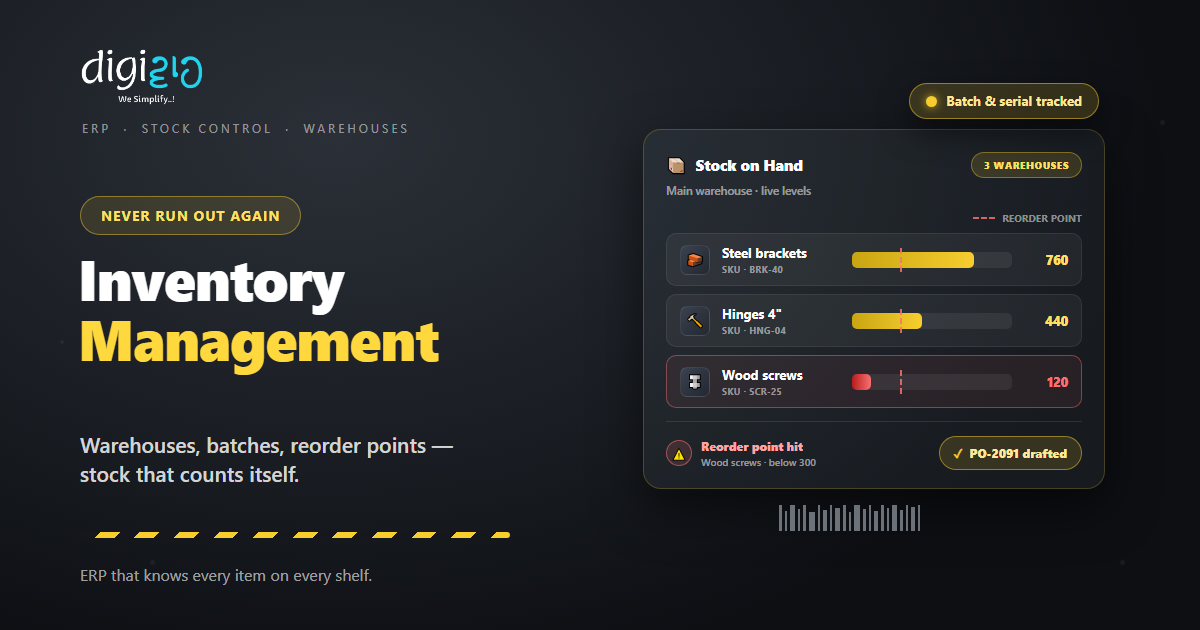
A reorder point is a minimum stock level you set per item. So when stock falls to that level, the ERP alerts you. In short, it tells you to buy while there is still time.
Think of what replaces this today. Someone notices an empty rack, usually during a rush. Then the order goes out late, and sales wait on the vendor. But a reorder point catches the dip weeks earlier.
Plus, the alert can start the fix by itself. In a connected ERP, low stock can draft the purchase order for you. So refilling becomes routine instead of a rescue.
How Inventory Links to Buying and Selling
Inventory is the bridge between your buy side and your sell side. So a good ERP walks each order across that bridge.
On the sales side, a sales order reserves stock and converts to an invoice. Then packing slips and shipping labels move the goods out. Also, sales returns flow back into stock with a record.
On the buy side, purchase orders and vendor price lists control what comes in. And when stock runs short, back orders and drop shipments keep sales alive. So a stock-out does not have to mean a lost customer.
Finally, barcodes tie it together. Scan items in on receipt, and scan them out on dispatch. As a result, the stock number stays true without manual counts.
Why This Matters for an SME
Small firms carry stock with borrowed money. After all, most inventory is bought on credit or working capital. So every extra shelf of dead stock has an interest cost.
Meanwhile, stock-outs tax you from the other side. First, the sale walks to a competitor. Second, rush buying costs more per unit. Tight inventory control squeezes both losses at once.
So the prize is not a tidy register. Instead, it is freed-up cash and steady sales. Plus, your team stops fighting over whose count is right.
Set Up Inventory Control, Step by Step
You do not need to fix everything in one weekend. Instead, build control in five small steps.
-
1List your items with SKUs
First, give every item a clean name, unit, and SKU code. So each product has one identity everywhere. -
2Map your locations
Next, add each godown, shop, or store as a warehouse. So stock always has an address. -
3Count and enter opening stock
Then do one honest physical count per location. So the system starts from the truth. -
4Set reorder points on fast movers
Now set a minimum level on your top items. So low stock raises an alert before it hurts. -
5Record every movement
Finally, receive against POs and ship against sales orders, with barcode scans. So the count stays live on its own.
Start with your top 20 items this week. Set a reorder point on each. That single step kills most stock-outs.
Spreadsheet Stock vs an ERP
Many SMEs run stock on spreadsheets and memory. But a sheet cannot see the godown. So the table below shows the gap.
| Task | Spreadsheet Stock | ERP Inventory |
|---|---|---|
| Stock count | Typed after the fact | Live with every scan |
| Locations | One sheet per godown | All warehouses in one view |
| Expiry & recalls | Found at dispatch | Batch-tracked with dates |
| Reordering | When someone notices | Alerts at the reorder point |
| Stock value | Month-end maths | Updated with each movement |
In short, the sheet records the past. But an ERP watches the present. That difference is what saves the sale.
Inventory Control in Action
Numbers help. But a real story lands better. So here is how one distributor got its racks under control.
Fast movers ran out mid-month, while slow stock filled the racks. The team tracked it all in spreadsheets, one per godown. Then they moved their stock into an ERP. Now every item has a SKU, and the top sellers carry reorder points. Meanwhile, transfers between godowns are logged with a scan, not a phone call. As a result, stock-outs on fast movers stopped, and the dead stock finally showed itself — rack by rack.
The ERP did not add work. Instead, it replaced counting with scanning. So the team sells while the system counts.
Where Zoho Fits
In the Zoho stack, this job belongs to Zoho Inventory. So a small business gets full stock control without a heavy system.
Track Every Warehouse
Zoho Inventory manages stock across locations and records every inter-warehouse transfer.
Batches, Serials & Barcodes
Track expiry by batch, trace units by serial number, and scan barcodes to keep counts live.
Reorder on Time
Reorder-point alerts flag low stock, so a purchase order goes out before the rack is empty.
Connect the Suite
It syncs with Zoho Books, sells through Amazon, Etsy, and Shopify, and joins the wider Zoho ERP stack.
So stock, orders, and accounts finally agree. You can see the full list on the official Zoho Inventory features page.
Frequently Asked Questions
What is inventory management in ERP?
Inventory management in ERP is the connected process of tracking every stocked item’s quantity, location, batch, and value in one system. Stock updates automatically as you buy, sell, and transfer goods.
What is a reorder point?
A reorder point is a minimum stock level you set for an item. When stock falls to that level, the ERP raises an alert, so you can reorder before you run out.
What is the difference between batch and serial tracking?
Batch tracking gives one number to a whole production lot, which suits expiry dates and recalls. Serial tracking gives every single unit its own number, which suits warranties and high-value goods.
Can an ERP manage stock across multiple warehouses?
Yes. An ERP tracks stock levels at each location and records transfers between them. So you see one live picture across every godown, shop, and store.
Does Zoho have inventory management?
Yes. Zoho Inventory handles multi-warehouse stock, batch and serial tracking, barcodes, reorder points, and purchase orders. It also syncs with Zoho Books for accounting.
Is a spreadsheet enough to manage inventory?
Only at a very small scale. A spreadsheet records the past, but it cannot alert you, track batches, or sync across warehouses. Once orders grow, an ERP pays for itself in saved sales and freed cash.
Conclusion
In the end, inventory management in ERP turns stock into something you control. So every item has an identity, an address, and an alarm. After all, stock is just cash in another shape. It deserves the same care as your bank account.
First, list your items and count them once, honestly. Then set reorder points on the fast movers. Next, let scans replace manual counts. That way, stock-outs and dead stock both fade out.
Look at your racks this week. Do you know, right now, which item runs out next?
Want stock that counts itself — warehouses, batches, and reorder alerts in one connected system? Talk to a Zoho Authorized Partner.
