

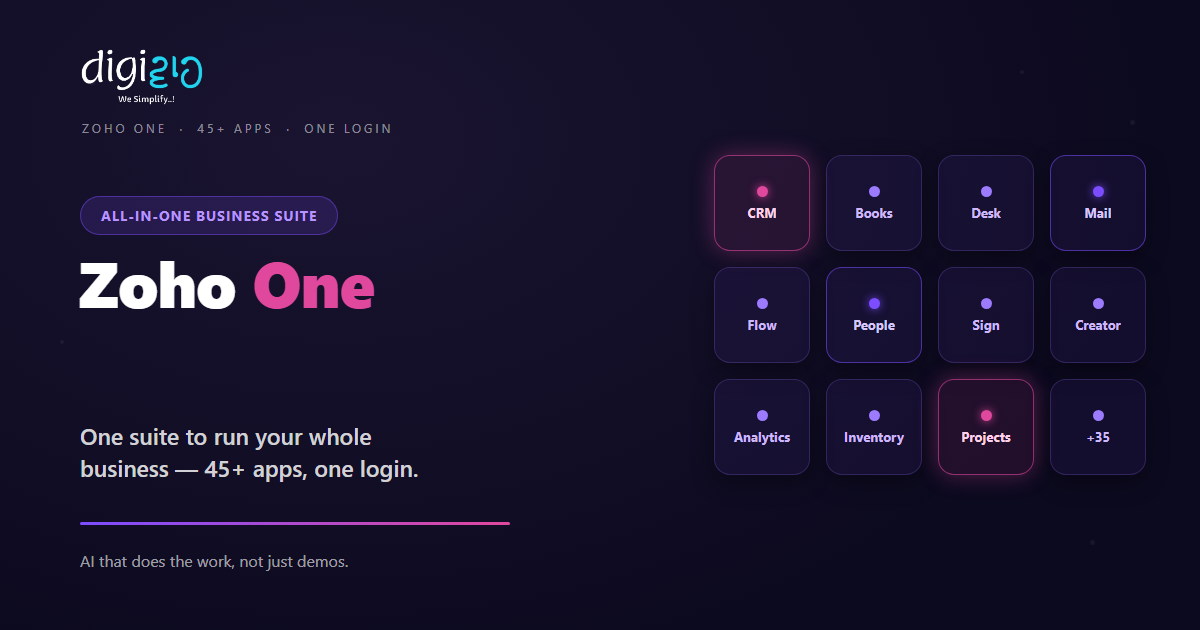
Zoho One: 45+ Apps to Run Your Whole Business
Zoho One puts all your business software in a single suite — one login, one bill, one admin panel.
Last Updated: June 12, 2026
Zoho One is one subscription that bundles 45+ business apps. In short, it covers sales, marketing, finance, HR, support, and operations. So instead of paying for many separate tools, you run everything from one suite. Plus, all the apps share data and a single login.
This matters most for a growing Indian SME. After all, point tools get costly and messy fast. But Zoho One gives you one bill, one admin panel, and one set of users. In this guide, you will see what is inside, how the pricing works in India, and whether it fits your team.
Key Takeaways
- One suite, 45+ apps. It covers sales, marketing, finance, HR, support, and operations.
- One login and one bill. So you stop juggling many tools, logins, and renewals.
- Apps share data by default. As a result, your CRM, Books, and Desk talk to each other.
- Two pricing models. All-Employee is cheaper per head; Flexible User licenses only real users.
- Best for SMEs replacing point tools. In short, it saves money once a few apps are in daily use.
Table of Contents
What Is Zoho One?
Zoho One is an all-in-one software suite from Zoho. In short, it gives your whole company 45+ apps under one plan. For example, you get a CRM, an accounting tool, a help desk, email, and HR software. And they all sit on one shared platform.
Think of it as an operating system for your business. After all, each tool already works on its own. But together, under Zoho One, they share data and a single login. So a new sale in the CRM can flow straight to Books, Desk, and Analytics.
For Indian SMEs, that is the real draw. You stop stitching apps together by hand. Also, you stop paying ten vendors ten times. Instead, one suite runs sales, money, people, and support.
What’s Included: 45+ Apps
Zoho One officially includes 45+ apps. So below are the main groups and a few you will use most. Plus, several already have their own deep-dive guides on this blog.
Sales
First, there is Zoho CRM and Bigin. So you track leads, deals, and pipelines. Plus, you can automate the busywork with CRM workflows.
Marketing
Next come Campaigns, Social, Survey, and Sites. So you run email, social, and landing pages from one place. As a result, your campaigns and CRM stay in sync.
Finance
Here you get Books, Invoice, Inventory, and Expense. So billing, GST, and stock all live together. Plus, payments flow back into your sales data.
HR & People
Also included are People, Recruit, and Payroll. So you handle hiring, attendance, and salaries in one tool. In short, your whole HR runs inside the suite.
Support
For service, there is Desk and Assist. So tickets, chats, and remote help sit in one queue. Plus, agents see the customer’s full CRM history.
One Login, One Admin, One Bill
The apps are only half the story. After all, the real magic is how they join up. So here is what “one suite” actually means day to day.
- One login — your team signs in once and reaches every app. So no more lost passwords.
- One admin panel — you add a user once, then set access across all apps. As a result, onboarding takes minutes.
- One bill — you pay a single price per user, not ten separate invoices. Plus, renewals all land on one date.
- Shared data — a contact in the CRM is the same contact in Books and Desk. So nothing is typed twice.
- One AI layer — Zia and AI agents work across the suite. For more, see our Zoho Zia AI guide.
Because of this, Zoho One feels like one product, not forty. Instead of glue and guesswork, you get a clean, joined-up system. So your team spends time on work, not on tool admin.
Zoho One vs Buying Apps Separately
You can buy Zoho apps one by one. But the suite changes the math. So the table below shows the difference for a growing team.
| Buying apps separately | Zoho One |
|---|---|
| Many bills and renewal dates | One bill, one renewal date |
| A separate login for each tool | One login across every app |
| You wire up integrations yourself | Apps share data out of the box |
| Admin and users set per app | One admin panel for all apps |
| Costs climb as you add tools | One flat price per user |
Zoho One Pricing in India
Zoho One uses one simple idea: pay per person, get every app. But there are two ways to count people. So pick the model that fits how your team works.
| Plan | Who it fits | Price (India, billed yearly) |
|---|---|---|
| All-Employee | Most of your staff will use Zoho | ~₹1,500 / employee / month* |
| Flexible User | Only some staff will use Zoho | ~₹3,500 / user / month |
So the choice comes down to coverage. With All-Employee, you license everyone on payroll — even non-users — for a low per-head price. With Flexible User, you license only real users, but each seat costs more. Also, GST at 18% is extra, and prices can change. So always confirm the latest on Zoho’s pricing page.
*Rule of thumb: if more than half your staff will use Zoho, All-Employee is usually cheaper overall.
Is Zoho One Right for Your SME?
Zoho One is not for everyone. So here is a quick, honest check before you buy.
It fits well when…
- You already pay for three or more business tools. So the bills are adding up.
- Your apps do not talk to each other. As a result, your team re-types the same data.
- You plan to grow. So you want room to add HR, support, or analytics later.
Think twice when…
- You need just one app, like only a CRM. Then a single plan may cost less.
- Very few staff will ever log in. In that case, do the Flexible User math first.
How to Get Started with Zoho One
You do not switch your whole company in a day. Instead, move in clear steps. So here is a simple path for an Indian SME.
-
1List the tools you pay for now
First, write down every app and its yearly cost. So you can see the real total you spend today. -
2Count who really needs Zoho
Next, list the staff who will actually log in. This number decides your best pricing model. -
3Pick your pricing model
Then choose All-Employee or Flexible User. So you match the plan to how your team works. -
4Start with two or three core apps
Now go live with CRM, Books, and Mail first. So your team feels a quick win. -
5Roll out the rest in phases
Finally, add support, HR, and analytics over time. A Zoho partner can speed this up safely.
Start by adding up your current tool bills. Most SMEs are surprised how fast Zoho One pays for itself.
Zoho One in Action: A Quick Example
Numbers are useful. But a real story lands better. So here is how one firm moved to the suite.
A 40-person exporter paid for six separate tools — CRM, accounting, email, chat, e-sign, and HR. Every month brought six bills and six logins. Then they moved to Zoho One. Now one admin adds a new hire once, and access is set across every app. Meanwhile, a sale in the CRM flows straight to Books and the help desk. As a result, they cut tool costs by a third and saved hours of manual data entry each week.
In short, Zoho One did not just save money. Instead, it joined up work that used to live in silos. So the team moved faster with less effort.
Frequently Asked Questions
What is Zoho One?
Zoho One is an all-in-one suite of 45+ business apps under one subscription. In short, it covers sales, marketing, finance, HR, support, and operations. So you run your whole company from one login, one admin panel, and one bill.
How many apps are in Zoho One?
Zoho One officially includes 45+ apps. For example, you get CRM, Books, Desk, Mail, People, Projects, Creator, Analytics, Sign, and Flow. Plus, Zoho keeps adding more over time.
How much does Zoho One cost in India?
There are two plans. The All-Employee plan is around ₹1,500 per employee per month, billed yearly. Meanwhile, the Flexible User plan is around ₹3,500 per user per month. Also, GST at 18% is extra, so confirm the latest price on Zoho’s site.
What is the difference between All-Employee and Flexible User pricing?
All-Employee means you license every person on payroll, even non-users, for a low per-head price. Flexible User means you license only real users, but each seat costs more. So pick by how many staff will actually log in.
Is Zoho One worth it for a small business?
Usually, yes — once you use three or more apps. After all, one bill and shared data beat many tools that do not talk. But if you need only one app, a single plan may cost less.
Does Zoho One include Zoho Books and Zoho CRM?
Yes. Both Zoho CRM and Zoho Books are part of the suite. So your sales and accounting share the same data. Plus, you get HR, support, and analytics in the same plan.
Conclusion
In the end, Zoho One turns scattered tools into one system. So if you already run a few apps, the suite is worth a serious look. After all, you get 45+ apps, one login, and one bill. Plus, everything shares data out of the box.
First, add up what you pay for software today. Then count who really needs to log in. Next, pick your plan and start with a few core apps. That way, you grow into the suite without a risky big-bang switch.
Think about your last month of software bills. How many tools — and logins — could become just one?
Want help moving your business to Zoho One — picked, priced, and set up right? Talk to a Zoho Authorized Partner.
