

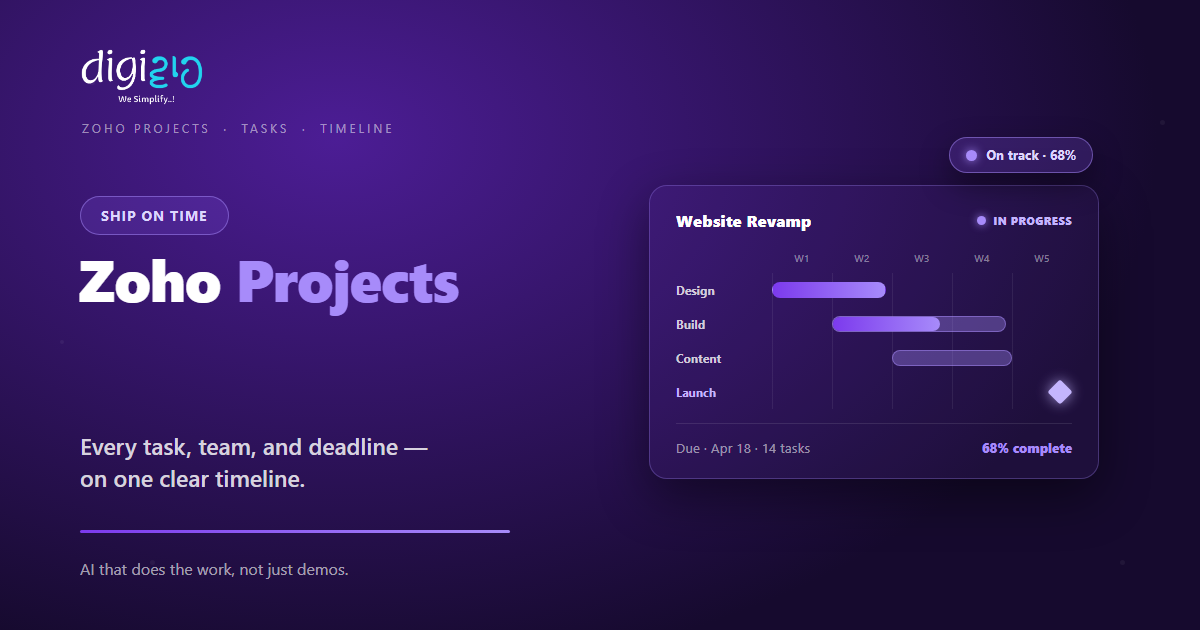
Zoho Projects: Keep Every Task, Team, and Deadline on Track
Zoho Projects brings your tasks, timelines, and team updates into one place — so work ships on time.
Last Updated: June 23, 2026
Zoho Projects is project management software. In short, it plans your work and tracks every task. So your team always knows what comes next. Plus, you see the whole timeline at a glance.
This matters because projects on spreadsheets drift fast. After all, due dates slip and updates get lost in chat. But a proper tool keeps the plan clear and live. In this guide, you will see how Zoho Projects works, what it does, and how to start.
Key Takeaways
- One home for every task. Plans, owners, and due dates live in one place.
- Gantt charts show the timeline. So you spot slips before they hurt.
- Time tracking feeds billing. Log hours, then invoice via Zoho Invoice.
- Automation cuts busywork. Routine steps and handoffs run on their own.
- It works on mobile. Your team can update tasks from a phone.
Table of Contents
- What Is Zoho Projects?
- Why Project Management Software Matters for SMEs
- Features That Keep Your Projects on Track
- A Quick Note on Projects vs Sprints
- Zoho Projects vs Spreadsheets
- Is Zoho Projects Right for You?
- How to Get Started With Zoho Projects
- Zoho Projects in Action: A Quick Example
- Frequently Asked Questions
- Conclusion
What Is Zoho Projects?
Zoho Projects is a cloud project management tool. In short, it holds your tasks, milestones, and timelines. So the team stops guessing what to do next. For example, you assign a task, set a due date, and track it to done.
It is also part of the wider Zoho suite. So your projects share data with your other tools. For instance, it connects to Zoho Flow and sits inside Zoho One. As a result, your whole business joins up.
For Indian SMEs, the value is control. After all, client work often runs on Excel and WhatsApp. But that breaks down as projects pile up. So Zoho Projects gives you one clear system, without a heavy setup.
Why Project Management Software Matters for SMEs
Many small firms run projects in their heads. But that fails the moment work grows. So a proper tool pays off fast.
First, a clear plan stops missed deadlines. Second, live updates cut the endless status calls. So your team spends time on work, not chasing. Plus, clients trust you more when delivery is on time.
Features That Keep Your Projects on Track
Zoho Projects was built to cut project chaos. So below are the features that help most. Plus, each one works inside the same platform.
Tasks & Subtasks
First, break big work into tasks and subtasks. Set owners, due dates, and dependencies. So the right work happens in the right order.
Gantt Charts & Milestones
Next, see the big picture on a Gantt chart. Track your schedule and mark key dates as milestones. So you spot slips early.
Time Tracking & Billing
Also, log billable and non-billable hours. Use timers or enter them by hand. Then invoice straight from the timesheet via Zoho Invoice.
Workflow Automation
Meanwhile, automate routine steps with a drag-and-drop builder. Status changes and handoffs run on their own. So nothing waits on a nudge.
Team Collaboration
Plus, share files, feeds, and comments in one place. Connect custom apps, CRM, Slack, and GitHub too. So updates stop hiding in chat.
Reports, Zia AI & Mobile
Finally, track progress with ready dashboards and deeper analytics. Zia, the built-in AI, breaks down your reports. A mobile app keeps you posted on the go.
A Quick Note on Projects vs Sprints
People often mix up two Zoho tools here. But the split is simple. So here is the quick truth.
Zoho Projects suits most teams that plan work by tasks and dates. For example, agencies, services, and client delivery. Zoho Sprints is a separate tool built for agile software teams. So it uses scrum boards, sprints, and backlogs instead.
This split helps you pick right. Because each tool fits a different way of working, you avoid a clumsy setup. As a result, most SMEs start with Zoho Projects. You can compare both on the official Zoho Projects page.
Zoho Projects vs Spreadsheets
Many SMEs still run projects on spreadsheets. But that breaks down fast. So the table below shows the main gaps.
| Factor | Spreadsheets | Zoho Projects |
|---|---|---|
| Task tracking | Rows you update by hand | Tasks with owners and dates |
| Dependencies | None | Linked tasks on a Gantt |
| Time tracking | A separate sheet | Built-in timers and timesheets |
| Updates | Chased over email | Live feed and comments |
| Reports | Built by hand | Ready dashboards |
So the takeaway is clear. For one tiny job, a sheet may do. But as projects grow, a real tool wins every time.
Is Zoho Projects Right for You?
Zoho Projects fits many businesses. But not every case. So here is a quick, honest check.
It fits well when…
- You juggle several projects at once. So you need one clear plan for all of them.
- You bill clients for time. As a result, built-in timesheets save real effort.
- You already use other Zoho apps. So your data joins up with no extra work.
Think twice when…
- You run just one tiny task list. Then a simple checklist may still be fine.
- Your team works in agile sprints. In that case, look at Zoho Sprints first.
How to Get Started With Zoho Projects
You do not need a big rollout to start. Instead, set up one project first. So here is a clear path for an Indian SME.
-
1Create your first project
First, add a project name, start date, and team. So your workspace is ready in minutes. -
2Add tasks and milestones
Next, break the work into tasks. Then set owners, due dates, and key milestones. -
3Map it on the Gantt
Now link dependent tasks on the Gantt chart. So your timeline stays realistic. -
4Turn on time tracking
Then log hours with timers or by hand. So billing and effort stay accurate. -
5Automate and connect
Finally, add workflow rules and link CRM or Slack. A Zoho partner can help you set it up right.
Set up one real project this week. Your status calls will get shorter almost at once.
Zoho Projects in Action: A Quick Example
Numbers are useful. But a real story lands better. So here is how one firm changed its delivery.
A busy agency tracked client work on Excel and WhatsApp. So deadlines slipped, and billable hours went unrecorded. Then they moved to Zoho Projects. Now every task has an owner and a due date on a shared Gantt. Meanwhile, timesheets feed straight into billing. As a result, projects shipped on time, and invoices matched the real work.
In short, Zoho Projects did not just store tasks. Instead, it made delivery clear and reliable. So the team stopped firefighting and started planning.
Frequently Asked Questions
What is Zoho Projects?
Zoho Projects is cloud project management software. In short, it plans tasks, tracks time, and shows your timeline on a Gantt chart. So teams deliver work on time.
Does Zoho Projects have Gantt charts?
Yes. You build your plan on a Gantt chart and track the schedule there. So you can spot delays and fix them early.
Is Zoho Projects free?
Yes, it has a free plan for small teams. So you can test it before paying. For current limits and prices, check the official Zoho Projects page.
Can I track billable hours in Zoho Projects?
Yes. You log billable and non-billable hours on timesheets. Then it generates invoices through Zoho Invoice, so billing stays accurate.
Does Zoho Projects work on mobile?
Yes. There is a mobile app for Android and iOS. So your team can update tasks and log time from a phone.
How is Zoho Projects different from Zoho Sprints?
Zoho Projects suits task-and-date planning, like agencies and services. Zoho Sprints is built for agile software teams that use scrum boards and backlogs.
Conclusion
In the end, Zoho Projects turns delivery from chaos into a system. So if you juggle many projects, it is worth a look. After all, you get clear tasks, live Gantt charts, and built-in time tracking. Plus, it pairs well with Zoho People and the rest of the suite.
First, create one project and add your tasks. Then map them on the Gantt and set milestones. Next, turn on time tracking and automate the routine. That way, work ships on time while you focus on clients.
Think about your last late project. How much of the delay was just unclear ownership and lost updates?
Want your projects set up in Zoho Projects — tasks, Gantt timelines, time tracking, and billing wired together for your team? Talk to a Zoho Authorized Partner.
